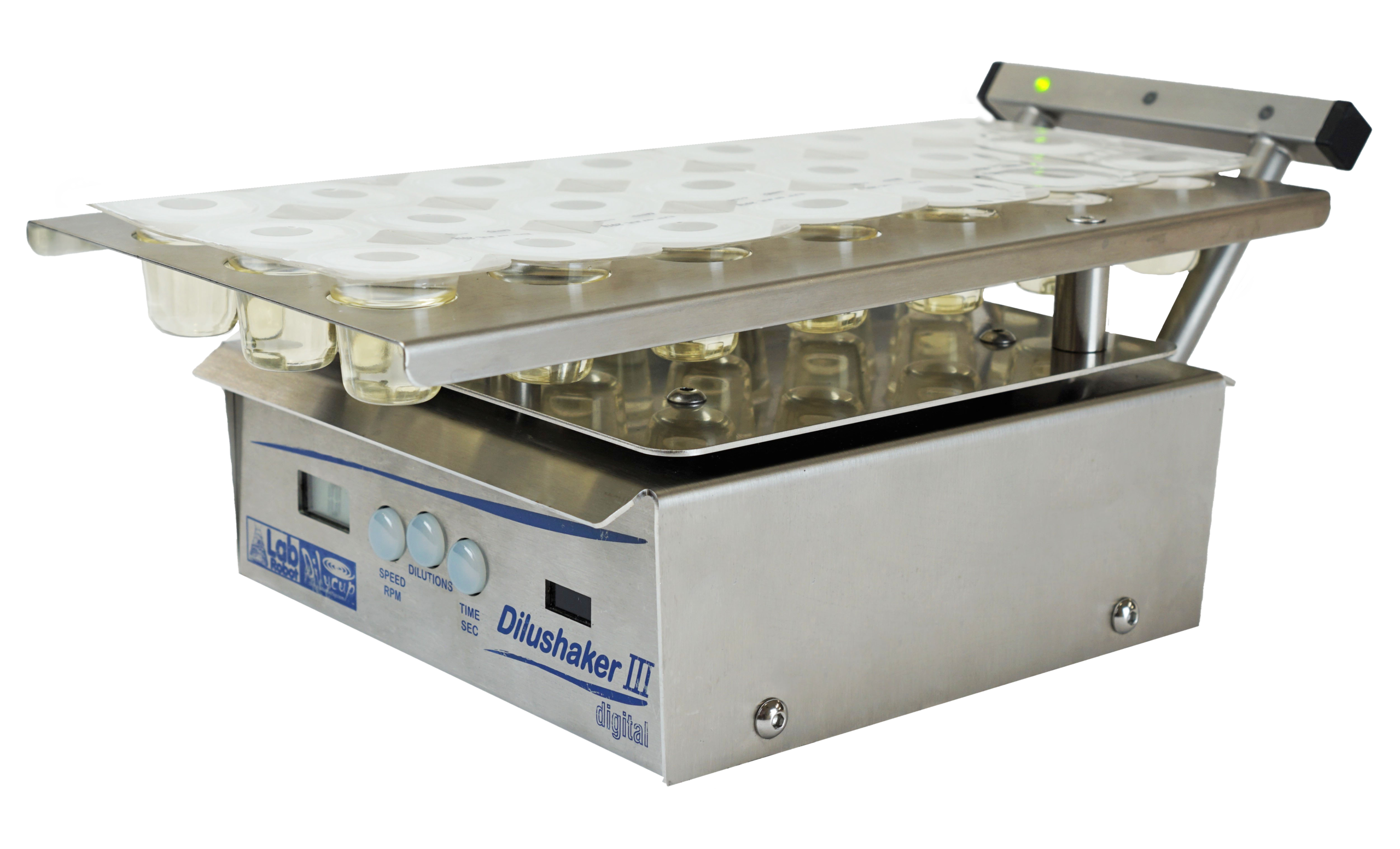
The ergonomic alternative to the vortex mixer
Dilugent® Shaker helps microbiology labs perform serial dilutions with clearer guidance, better ergonomics, and a reduced risk of handling errors. Each Dilucup® position is guided by LED lights, so users know exactly where to dilute, plate, or continue the series.
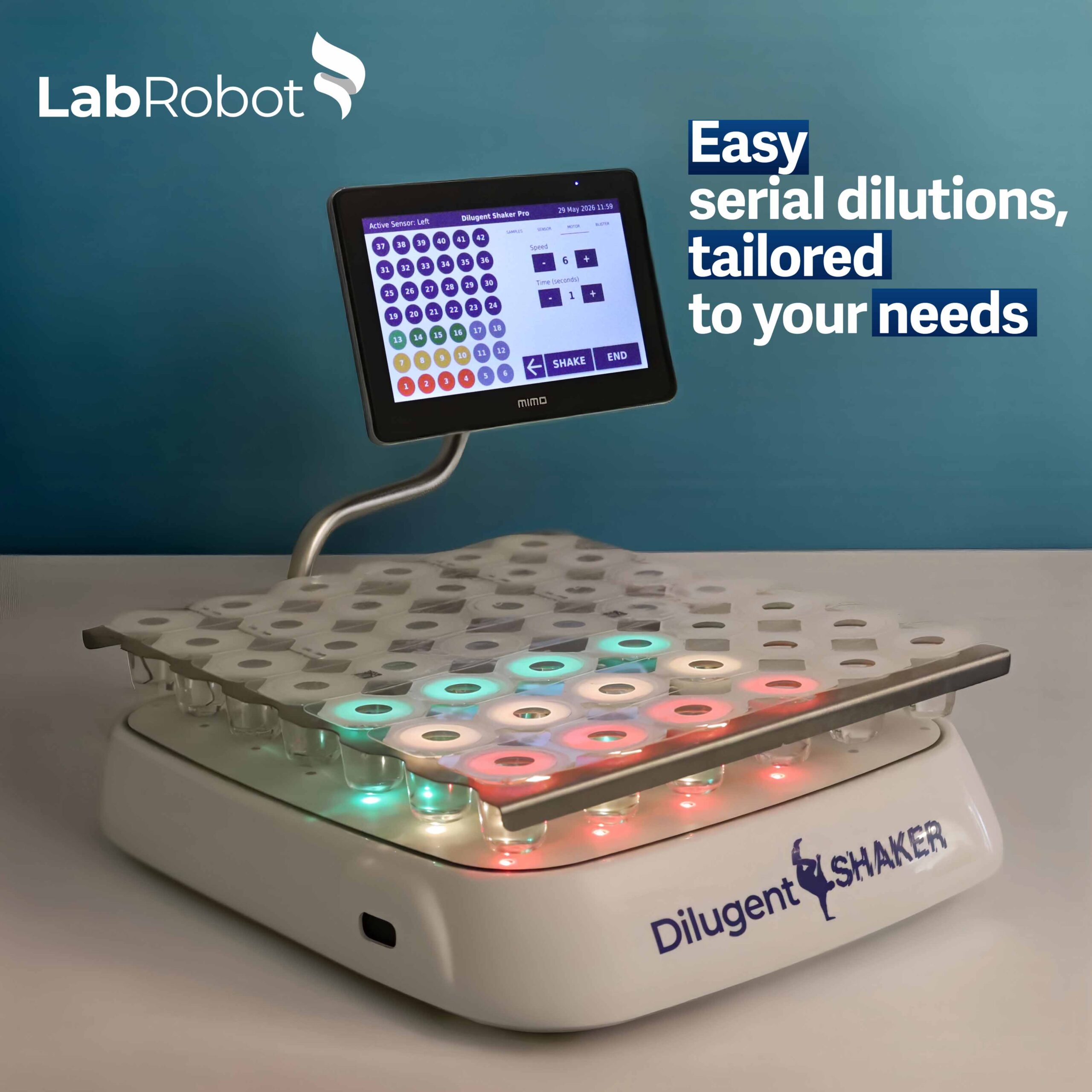
How to use Dilugent® Shaker?
Dilugent® Shaker is very easy and intuitive to use.
1. Program your method
Set the number of dilutions per sample, shaking speed, and shaking time.
2. Dilute your sample
Add 1 mL of the sample to the first green Dilucup® that is flashing. Activate shaking with the optical sensor or footswitch.
3. Follow the lights
Transfer 1 mL from the orange Dilucup® to the next green one. Repeat the process until the desired number of dilutions has been reached.
4. Plate and continue
Once the dilution series is complete, take 1 mL of the diluted solution and plate it onto a Petrifilm™ or similar. Repeat the process and dilute the next sample in the green Dilucup® that is flashing.
Reduce errors in serial dilutions
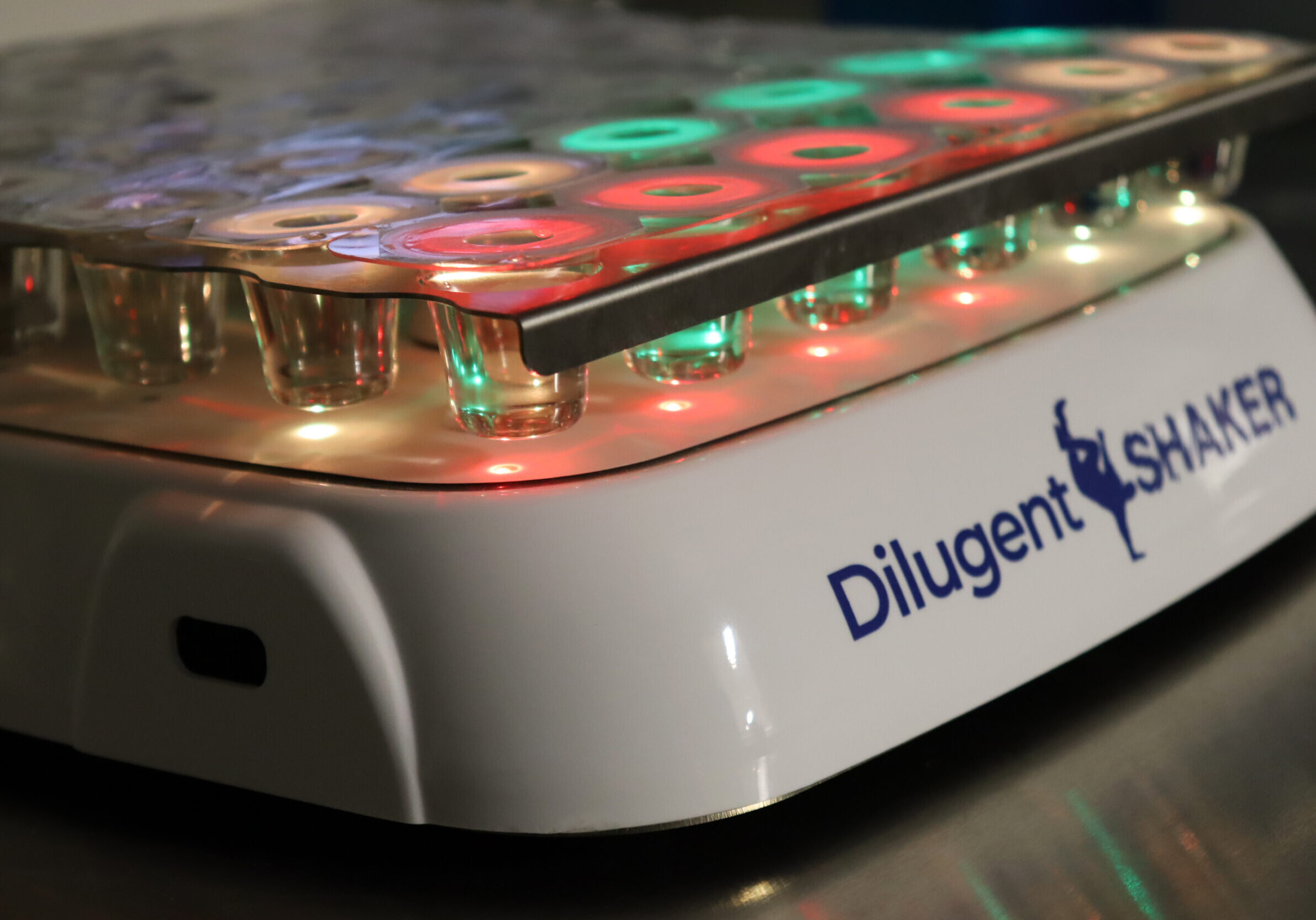
Dilugent® Shaker indicates exactly which Dilucup® to use with 42 LED lights that change the colour:
Flashing green: The first Dilucup® in the dilution series. Add 1 mL of your sample to this cup.
Green: Dilucup® to use.
Orange: Dilucup® currently in use. It is ready for you to collect 1 mL and transfer it to the next green Dilucup®, or to the plate.
Red: Dilucup® used for previous samples. It has already been used and plated.
Dilugent® Shaker is the only instrument that allows you to trace your dilutions
When an unexpected count appears, traceability helps answer why
Traceability of dilutions allows you to verify the order in which the samples were processed and determine whether a handling error might explain any unexpected counts.
Imagine you obtain a highly unusual microorganism count.
Is the result accurate, or could the wrong sample have been processed?
Without traceability:
It is difficult to know whether the result is real or whether a sample handling error occurred.
With Dilugent® Shaker traceability:
After exporting the data in an Excel file, you might discover that the sample order did not match the intended sequence, instantly revealing a mix‑up that explains the unexpected enumeration.
Dilugent® Shaker versions
Budget-friendly
Light
- Guides the user with standard colours: green, orange and red.
- Up to 2 programs can be saved
Most popular
Standard
- Guides the user with standard colours: green, orange and red
- Up to 10 programs can be saved
Traceability of dilutions: data export for subsequent review
- An external scanner can be connected to read QR codes and barcodes
Most flexible
Pro
- Guides the user with 3 chosen colours
- Up to 10 programs can be saved
- Traceability of dilutions: data export for subsequent review
- An external scanner can be connected to read QR codes and barcodes
- Advanced programming: the order of the dilutions is fully customizable
- Customizable interface colours
- Possible connection to Laboratory Information Management System (LIMS)
Which version suits your needs best?
The Light version offers guided dilutions using the three standard colours.
-Best for: Labs wanting guided dilutions at lower cost.
With the standard version, you are able to trace dilutions and export the data.
-Best for: Labs needing traceability.
With the Pro version, you can program dilutions as needed, change LED colours, and connect it to LIMS (the LIMS interface must be developed separately).
-Best for: Labs needing flexible workflows. You can use the Dilucups in the order you want. For example, you can start diluting at the back of the blister or perhaps in the middle. Different LED colours are useful if a user is colour-blind or if the sample to be diluted is strongly coloured.


Tips and tricks
You can choose many different ways to serially dilute your samples with every version of Dilugent® Shaker:
- One after another in the same row or in the same column
- From right to left or from left to right
- With a blister of 3x7 Dilucups on the right or on the left
- With a full blister of 6x7 Dilucups or with just a few rows
- You can start at the beginning of the blister or at any cup you prefer
- You can use one of the two sensors or the footswitch
Download the user manual here
Log in to access the button below:

Related products